


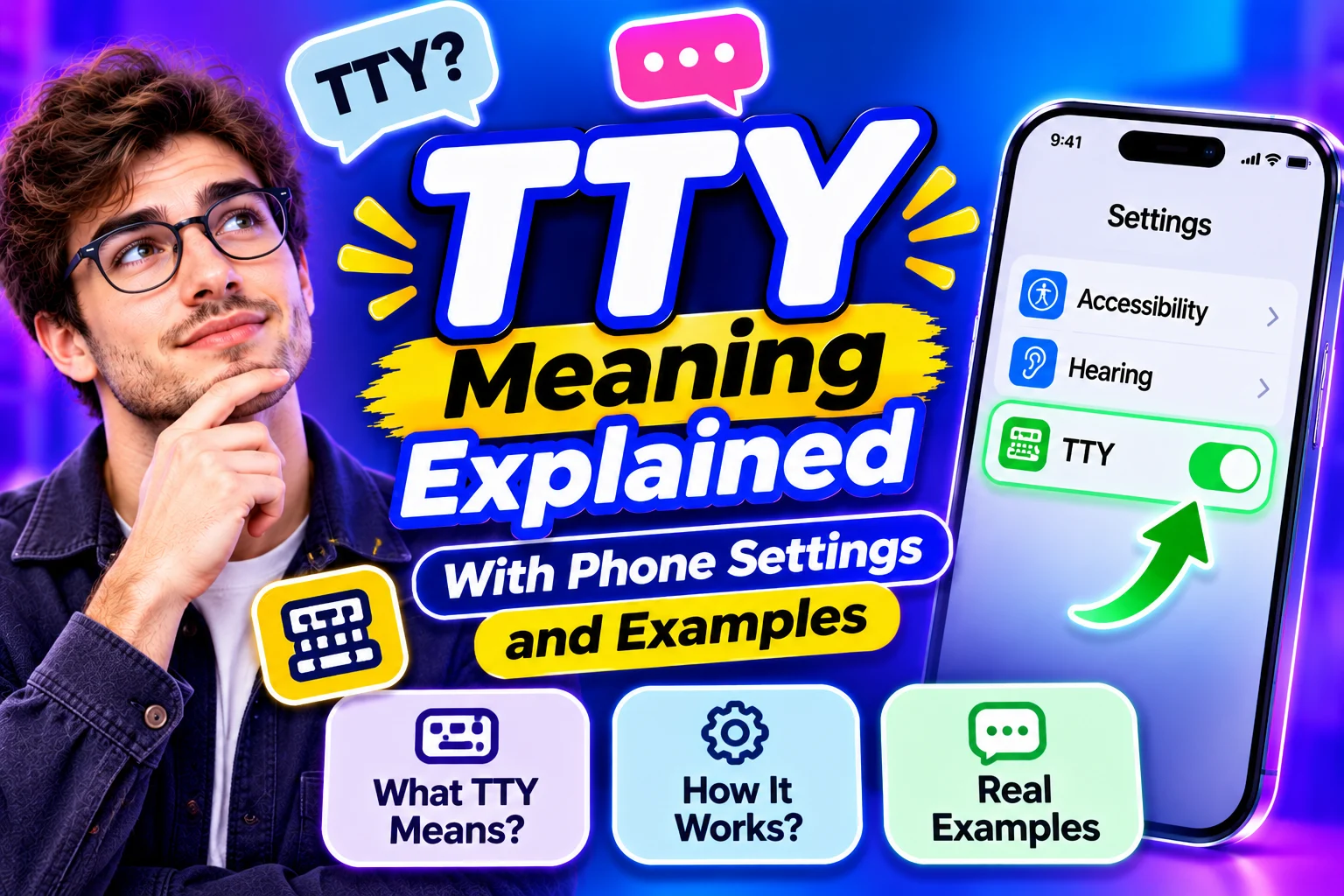
TTY stands for “teletypewriter.” In telephone communication, it lets people type and read messages during a call. It helps people who are deaf, hard of hearing, or have speech disabilities communicate by phone. For example, someone can type a question about an appointment and read the reply on a screen.
You may notice the letters beside a contact number or in your phone’s accessibility settings. They also appear in computing, where they refer to a terminal. I’d start by checking where the term appears, because that tells you which meaning fits.
TTY Meaning at a Glance
| Where you see it | What it means | Example |
|---|---|---|
| Beside a contact number | A number for text telephone communication | “TTY users can contact this number.” |
| In phone settings | An accessibility option for supported text calls | “Turn on Hardware TTY.” |
| On a separate device | Equipment for typing and reading telephone conversations | A keyboard with a small display |
| In a Linux guide | A terminal connected to a command session | “Check which terminal you’re using.” |
These uses share a connection with typed communication. The purpose becomes clearer once you know whether the instructions concern a telephone call or a computer.
What Is a TTY Device?
A TTY device is a text telephone. Traditional models have a keyboard and a display. The user types a message, sends it through a telephone connection, and reads the other person’s response. Some models can also print the conversation.
Picture someone calling a housing office about a repair. They type their address and explain that a window won’t close. The person answering can read the message through compatible equipment and type back with an appointment time.
You may also see TDD, which stands for “telecommunications device for the deaf.” Both terms appear in information about text telephones. The wording on a device or contact page may depend on when it was written.
How Does It Work?
A traditional TTY turns typed characters into signals that travel through the telephone connection. Compatible equipment at the other end turns those signals back into readable text. The people taking part can then exchange messages during the call.
A basic conversation follows these steps.
- The caller connects to a compatible number or relay service.
- They type what they want to say.
- The message appears as text at the receiving end.
- The other person responds.
- The exchange continues until the call ends.
For a direct text telephone conversation, both ends need compatible support. A relay service provides another way to reach someone who uses a regular voice telephone.
What Happens During a Relay Call?
A relay call connects a text user with a voice telephone user through a communications assistant. The assistant reads the typed message aloud and types the spoken reply back to the caller. This allows the two people to have a conversation using different communication methods.
For example, a caller could type, “Can I collect my repaired bicycle after five?” The assistant reads the question to the shop employee. When the employee answers, the assistant types that response for the caller to read.
In the United States, 711 provides access to telecommunications relay services. Access numbers and services vary internationally, so callers elsewhere should check their local provider’s instructions.
What Is TTY Mode on a Phone?
TTY mode is an accessibility setting that supports compatible text telephone communication. Depending on the phone, it may work with an external device or provide supported software options. Availability depends on the phone, network provider, and country or region.
Seeing the setting can be confusing when you’ve never used it. I’d check the phone’s own help page before choosing an option. The correct setup depends on whether you use separate equipment, type your side of the conversation, or speak and read the replies.
Some phones offer the following choices.
| Setting | What it does |
|---|---|
| TTY Off | Turns off that TTY mode |
| TTY Full | Uses typed messages in both directions |
| TTY HCO | Lets you type your message and hear the reply |
| TTY VCO | Lets you speak and read the reply as text |
HCO means “hearing carry-over,” and VCO means “voice carry-over.” These options support different communication needs. Someone who can hear but finds speaking difficult may use HCO. Someone who speaks but needs to read responses may use VCO.
How to Find the Setting
On iPhone
On supported iPhones, open Settings → Accessibility → RTT/TTY. The available controls may include software calling features and a Hardware TTY option. Apple’s instructions explain the setup for supported devices and carriers.
If you use an external text telephone, check which connection or adapter it requires. If you’re looking for software text calling, read the options carefully so you select the feature that matches your needs.
On Android
In Google’s Phone app, start with Phone → More options → Settings → Accessibility. Supported phones may show TTY mode and the available choices. The menu can differ between manufacturers and software versions.
If the option is missing, check the manufacturer’s support page and your carrier’s accessibility information. Those sources can explain which text calling features your particular phone supports.
Should the Setting Be On or Off?
Turn it on when your communication setup requires it. Whether you use compatible equipment, select the mode recommended for that equipment and your needs. If you don’t use the feature, it can stay off.
If it was switched on accidentally, return to the same menu and review the setting. Someone who relies on accessible calling should check their setup before changing it, especially when the phone offers both RTT and hardware options.
TTY vs RTT
RTT stands for “real-time text.” It allows text to appear as the person types during a supported telephone call. It can work through a phone’s software, which removes the need for a separate keyboard device in supported setups.
| Feature | Traditional TTY | RTT |
|---|---|---|
| Typical setup | Dedicated equipment with a telephone connection | Supported phone software and network |
| Communication | Typed telephone conversation | Text transmitted as it is typed |
| Separate device | Commonly required | Often unnecessary |
| Compatibility | Requires compatible equipment or relay support | Depends on device and carrier support |
Both can support accessible telephone conversations. Some RTT services can communicate with TTY equipment, helping people connect across different setups. Check compatibility before relying on that connection.
What Does It Mean in Linux?
In Linux, a TTY refers to a terminal. A terminal provides a way to enter commands and read their output. You may see the term in instructions about logging in, working with a shell, or troubleshooting a computer.
For example, the command tty prints the file name of the terminal connected to its standard input. A result such as /dev/pts/0 identifies that terminal connection. GNU’s documentation describes this command as a way to print the terminal file name.
For a beginner, the useful distinction is the setting. A Linux tutorial is discussing computer input and output. A phone accessibility guide is discussing telephone communication.
Why Does This Technology Matter?
Text telephone communication gives people another way to handle calls themselves. That can include asking about an order, arranging transport, or changing an appointment. Relay services also help callers reach people who answer through voice telephones.
The practical benefit is choice. People have different hearing, speech, equipment, and communication needs. Knowing what an accessibility label means helps callers find the option that works for them.
Frequently Asked Questions
Q: Is TTY the same as TTYL?
TTY means teletypewriter. TTYL means “talk to you later” in casual messages.
Q: Can I use it to call someone with a regular telephone?
Yes. A compatible relay service can connect text and voice telephone users.
Q: Does every smartphone support the feature?
Support varies by device, carrier, and location.
Q: Is a TTY conversation the same as sending an SMS?
A TTY conversation takes place through a telephone call, while SMS sends separate text messages.
Final Thoughts
TTY means teletypewriter in telephone communication. It supports typed calls through compatible equipment or services. On a phone, check the accessibility options and your carrier’s guidance. In a Linux guide, the same letters refer to a terminal used for commands and text output.
